

Written by James BrittTechnically reviewed by Jim Freeze · Reviewed
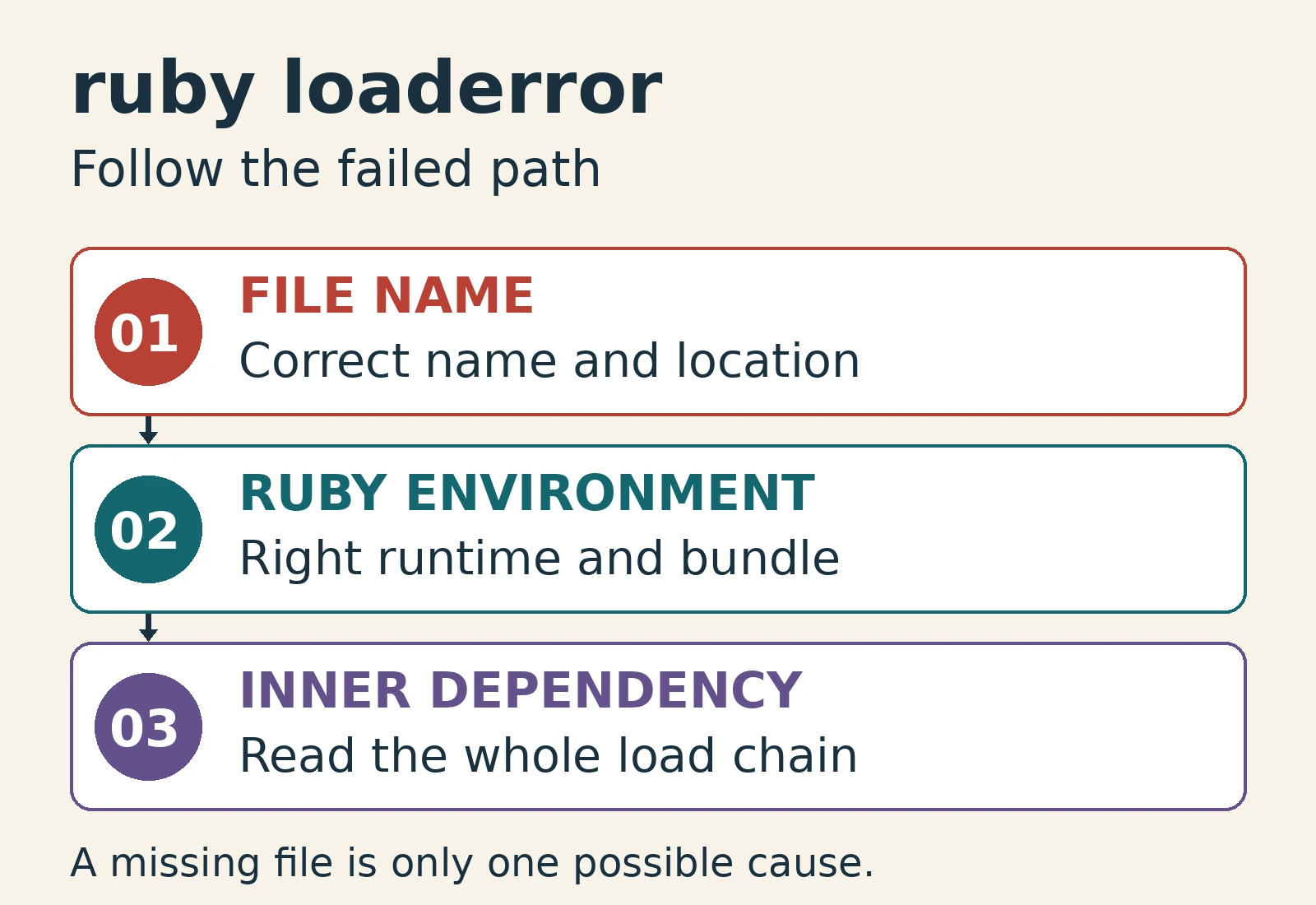
You get a Ruby LoadError when Ruby cannot load the requested file or library. Begin with the failed path in the error message and determine the call that requested the file or library, the Ruby environment in which it is currently running, and how the dependency was set up. Depending on the nature of the failed file or library, your potential solutions would include correcting a bad filename, using a relative path, or ensuring the required dependency has been installed. Installing a gem isn’t going to solve every loading issue.
Save the entire LoadError message and backtrace before making modifications. A file can exist yet fail while trying to load another file. Additionally, an extension may fail because one of its system libraries is unavailable. These cases call for different repairs. Identify the failed item, then make the smallest change that addresses that failure.
Read a Ruby LoadError before changing dependencies
The exception indicates a loading failure (as opposed to a failed method call). Its “path” attribute can help to indicate which feature was being requested. However, don’t overlook reading this in conjunction with the exception message and backtrace. It is possible for a single level request to locate its entry file but for a secondary request made inside of that file to fail. Thus, reinstalling the top level package without examining further could result in leaving the initial problem unresolved.
begin
  require "ruby_doc_deliberately_missing_46"
rescue LoadError => error
  puts error.class
  puts error.path
end
# LoadError
# ruby_doc_deliberately_missing_46
Below is an example where we attempt to retrieve a feature that doesn’t exist. We simply display the exception class and the path that caused the failure without relying upon the full wording of the exception message. When attempting to diagnose an issue within your actual applications, preserve both the exception message and backtrace: native loaders may contain information regarding a missing shared library or incompatible binary. Don’t abbreviate that information down to solely the final filename.
Examine the first applicable application frame in the backtrace. That shows exactly where your code entered into the failing load chain. Follow additional library frames when they describe a nested request. The original loading call and the file that ultimately fails are not always the same.
Choose the right loading mechanism
A simple “require” uses Ruby’s loading mechanisms to search for the named feature. For a relative feature name, the load path becomes important. On the other hand, “require_relative” locates a path based on the directory of the file that called it. Any path that begins with a dot and forward-slash represents the current working directory of the executing process when passed to require. These represent two distinct references regardless of whether those references may be identical during development.
For example, a utility provided next to a script typically uses require_relative. Conversely, most libraries provided through gems use require. Avoid assuming that the name of the gem and its entry file are equivalent. Review each package’s documentation and supplied files before altering your loading statements.
| Situation | First check | Likely direction |
|---|---|---|
| File beside the caller | Actual name and location | Use a deliberate relative path |
| Installed gem | Documented require name and active bundle | Correct dependency setup |
| Nested missing feature | Backtrace and failed path | Repair the inner dependency |
| Native extension | Complete loader message | Check platform and shared libraries |
Adding every project directory to Ruby’s global load path is not a good temporary solution. If done incorrectly, this can allow an unintended file to load successfully and create order-dependent behaviors. Instead prefer either an explicit association between your caller and its local utility or a documented library entry point. A repair should specify which file will load, not simply eliminate the exception.
Check the environment behind a Ruby LoadError
An installed gem is useful only if the failing process can use it. Your terminal, editor, service, etc., can start different Ruby processes or utilize different dependency environments. Compare the version of Ruby and executable used by the failing process versus that used in the environment in which installation was successful. Being able to successfully execute commands in another shell does not guarantee that your application setup is correct.
For Bundler-based applications, run the failing command within the project’s bundle. Ensure that the Gemfile specifies the dependency. The official bundle exec reference explains how this command provides the bundle’s gem environment. The command does not install missing dependencies. Keep dependency installation, selection and loading as separate operations when deciding on a solution.
Check any excluded dependency groups as well. A development-only tool may be present locally but absent from your production environment. Dependent on whether your production code requires such tools or not, determine whether you should move an actually needed dependency into an appropriate group or delete an unwanted runtime dependency. Do not broaden production dependencies without understanding which call requires them.
If you upgraded Ruby since installing a library, check how that library is packaged for the new version. Some libraries remembered as part of older installations may now require explicit dependency declarations. Consult the relevant release notes and package documentation instead of assuming every standard-library name remains available forever. Preserve the lockfile unless a deliberate dependency update is part of the repair.
Why an ordinary rescue misses Ruby LoadError
A bare rescue catches StandardError and its descendants. LoadError sits under ScriptError instead, so a bare rescue will not catch it. Therefore, a generic rescue around the loading statement can appear to have no effect. If loading is intentionally optional, name the specific exception you intend to handle.
puts LoadError < ScriptError
puts LoadError < StandardError
# true
#
# The second comparison is nil; puts prints a blank line.
The blank line in this example is significant. Comparing these unrelated classes returns nil, and puts does not print the word nil. Use inspect when you want that value to be visible. Precise output prevents a debugging example from creating incorrect expectations about exception ancestry or the text printed by the program.
Catching LoadError is a policy decision, rather than a repair for missing dependencies. Typically, a required database driver should fail clearly if it cannot load. An optional export format might have a documented fallback. Keep the protected block small so that a deeper dependency failure does not silently disable a feature you expect to be available.
Try the Ruby LoadError rescue exercise
Predict which handler runs below. The inner block uses a bare rescue, whereas the outer block names LoadError. The missing feature is deliberate, so you do not need to install any gem for this exercise. Before revealing the answer, decide whether the inner handler catches every exception or only the default exception family.
begin
  begin
    require "ruby_doc_deliberately_missing_46"
  rescue
    puts "inner handler"
  end
rescue LoadError
  puts "outer handler"
end
Reveal the handler and explanation
outer handlerThe outer handler runs because the inner bare rescue does not catch LoadError. Naming an exception changes what the handler catches; it does not bring an absent feature into existence. In application code, decide whether to stop or provide a genuine optional fallback. Do not continue with partially initialized objects just because an exception was caught.
Separate Rails autoloading from library loading
Rails manages application constants through an autoloader. The Rails autoloading guide explains how filenames, directories and constants relate. Manual require statements for autoloaded application files are usually inappropriate. Before applying a plain-script workaround, identify whether the failing name belongs to application code, an external gem or another explicitly loaded library.
Not every constant-name mismatch is a LoadError. Framework errors have their own messages and backtraces, so check the actual exception before choosing a repair. Avoid treating a plain-script workaround as a solution to a Rails loader problem without considering Rails conventions. No Rails application was executed for this guide; use its documentation to reproduce the framework-specific behavior.
Verify the repair in a fresh process
Restart the relevant process once you modify loading configuration. Successfully required files are tracked, so a console session may hide assumptions about initialization order. Next, reproduce the original entry point using the intended dependency environment. Validate the feature’s behavior, rather than checking only whether the loading statement stopped raising an exception.
To build a smaller reproduction, adapt a self-contained program from the Ruby code examples guide. Retain the failing load statement and enough surrounding context to illustrate the problem. Document the runtime, working directory and exact error message. Remove additional application setup only if doing so does not eliminate the conditions that caused the failure.
The executable examples above were tested on official Ruby 4.0.0 WASI. They demonstrate a missing feature, exception inheritance and rescue selection. However, they do not verify operating-system file permissions, native extensions, Bundler installation or deployment. Local paths and dependency advice still need validation in the failing environment before the application can be considered repaired.
Takeaway
Fix a Ruby LoadError by tracing the failed feature to its owner. Examine the failed path first, then the active Ruby and dependency environment, and finally any loading failures inside a dependency. Choose a targeted repair and test a fresh process. Catch exceptions only when an intentional recovery strategy exists, not to mask a required dependency that is still absent.