

Written by James BrittTechnically reviewed by Jim Freeze · Reviewed
A Ruby TypeError means an operation received an object of an unsuitable type. Check the exception message and what the receiving method expects. Then trace the failing value back to its source. Converting every argument to a string or number can mask the problem and alter your result.
Often, objects appear to represent the same value in different ways: as a number, numeric text, or an array of strings. These forms are not equivalent. This guide walks through common mistakes, shows how to choose an intentional conversion, and gives you an exercise to help check that choice.
Read a Ruby TypeError from the failing operation
Begin with the exception class and the first relevant application line in the backtrace. Usually, an implicit-conversion message names the supplied type and the type the operation expects. However, the operation that raises may be far from the code that created the wrong object.
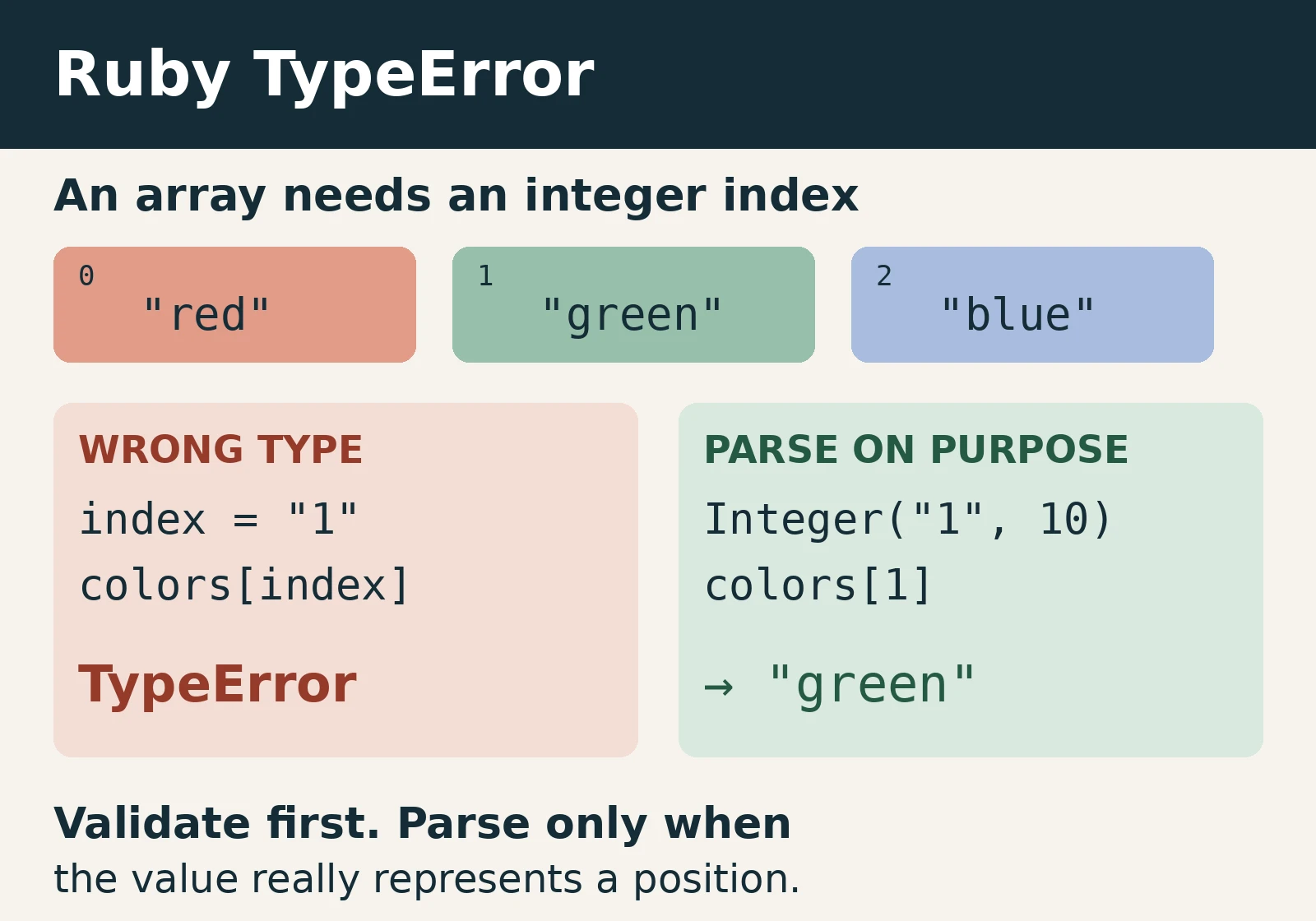
For instance, an array index needs an integer-like object, not a string containing digits. Here we catch the expected exception so the remaining example can run. The final line performs an explicit decimal conversion before indexing. Inspection puts quotation marks around the returned string.
colors = ["red", "green", "blue"]
index = "1"
begin
  colors[index]
rescue TypeError => error
  puts error.message
end
p colors[Integer(index, 10)]
# no implicit conversion of String into Integer
# "green"
Before making that conversion, find out why the index is a string. A query parameter will often start as text. An internal helper that promises an integer should probably return one. Both repairs may eliminate the exception, but choose the boundary that owns the mismatch.
When debugging, break a complex expression into named variables. Check each variable’s class and a safe representation of its value. You rarely need entire customer records or request bodies in logs. The argument name, expected kind of value and actual class usually provide enough guidance for a minimal reproducible example.
Common Ruby TypeError messages and possible solutions
Do not read the message as an instruction to call a particular conversion method. An incorrect lookup can produce the wrong type even when the original input was valid. Therefore, examine the container together with its key or index.
| Situation | What to check | Possible intended repair |
|---|---|---|
| String used as an array index | Is this positional access or a named lookup? | Parse a decimal index, or use the intended hash. |
| Integer added to a string | Is the operation arithmetic or display? | Parse numeric input, or format text deliberately. |
| Nil supplied where a string is required | Was a required value missing? | Reject missing data or handle an allowed absence. |
| Unexpected object inside nested data | Does the payload match its expected shape? | Validate the structure before traversing it. |
String-plus-number failures are easy to misread. When the receiver is a string, addition means concatenation. When the receiver is an integer, addition follows numeric rules. Changing either side can change the meaning of the operation, even if the original TypeError disappears.
amount = "12"
begin
  amount + 3
rescue TypeError => error
  puts error.message
end
p Integer(amount, 10) + 3
p "Items: #{3}"
# no implicit conversion of Integer into String
# 15
# "Items: 3"
In this example, parsing suits arithmetic, while interpolation suits the label. Neither applies universally. If the field represents a product code instead of a quantity, treating it as an integer may lose meaningful leading zeroes. Decide what the field means before altering its form.
Choose strict parsing instead of accidental coercion
If decimal text must represent a whole number, use explicit integer parsing instead of permissive conversion. Strict parsing rejects malformed text, while permissive conversion can accept an initial numeric part and ignore the rest. As a result, a broken request can look valid. This distinction matters for quantities, positions and other fields with defined input formats.
p "12items".to_i
begin
  Integer("12items", 10)
rescue ArgumentError => error
  p error.class
end
p Integer("12", 10)
# 12
# ArgumentError
# 12
The failed parse raises ArgumentError here. You have moved from an unsuitable argument type at one operation to unacceptable text at a parser. That is useful information. Catch the specific exception where your application can respond with a meaningful validation message, rather than trapping every failure.
However, parsing alone does not enforce business rules. A negative integer is a valid Ruby integer but may be an invalid order quantity. Arrays also accept negative indices with their own meaning. Once you have parsed the value, check its permitted range and whether the resulting position exists.
Implicit and explicit conversion have different contracts
Methods can require integer-like or string-like objects without accepting every object that can produce display text. Adding a conversion method to your own class is an API design decision. Do not add one solely to make an unrelated failure disappear. First check the contract of the method you are calling.
Validate input where it enters your code
Validation at a boundary prevents bad values from travelling through several helpers before they fail. Decide which representations your method accepts, normalize them once, and reject the others. A clear contract is easier to test than conversions scattered throughout a codebase.
The Rails guide describes ordinary form and query parameter values as strings. Therefore, do not assume a submitted quantity is already an integer. JSON request bodies have separate parsing behaviour. Inspect the actual incoming format instead of applying the form-parameter rule to every request.
The next pure Ruby example accepts decimal text only, then requires a positive result. It deliberately rejects integers, missing values and collections at this boundary. Your application may choose a different contract. Either way, make the accepted representations explicit, so callers know whether they must supply text or a number.
def positive_quantity(text)
  raise TypeError, "quantity must be decimal text" unless text.is_a?(String)
  quantity = Integer(text, 10)
  raise ArgumentError, "quantity must be positive" unless quantity.positive?
  quantity
end
p positive_quantity("4")
# 4
This is not a complete web controller or a full input-format specification. Ruby’s integer parser accepts some formatting beyond bare digits. If your interface requires a narrower grammar, validate that grammar as well. Keep the accepted text format separate from the rule that the parsed result must be positive.
Separate Ruby TypeError from missing-method errors
NoMethodError typically means the receiver does not implement the called method. TypeError typically means an operation cannot use an object of the supplied type. However, custom methods and libraries can raise exceptions explicitly. Always check the relevant documentation or implementation before deciding what an exception means.
Absent values can cause either failure, depending on the next operation. Our guide to tracing an undefined method on nil explains how to locate the lookup or return path that produced an absent value. Avoid replacing required data with an empty string simply to keep the next call running.
Safe navigation skips a call when its receiver is nil. However, it does not validate arguments passed to a non-nil receiver. Adding it to a failing expression therefore does not generally repair a type mismatch. Decide whether absence is acceptable before choosing a guard; required and optional data need different handling.
Try the conversion exercise
A quantity field contains a number followed by a word. The order system requires a whole-number quantity. Should it accept the numeric prefix, reject the field, or display the original text unchanged? Make your choice before opening the explanation. Focus on the contract, not just on whether a conversion runs.
Reveal the quantity-validation answer
Reject the malformed quantity for this contract. Permissive conversion may retain the numeric prefix and discard the word, while strict integer parsing rejects this input. Displaying the original text is separate from validating a quantity. Furthermore, a successful parse must still pass the positive-range rule.
Now consider a product code with leading zeroes. The answer changes: product codes are identifiers, so numeric parsing may be inappropriate. Choose the conversion from the field’s meaning, not its numeric appearance. A value that looks convenient for arithmetic can lose information that matters to a lookup.
Prevent the next Ruby TypeError
Create regression tests for the original failing value, a normal value, absence, malformed text and an unexpected collection. Check the returned result or the intended exception class. Merely testing that execution continues can allow a workaround to skip the operation without returning anything useful.
Sorbet’s runtime-checking documentation explains how method signatures can validate argument and return types. These checks can raise TypeError when a contract is violated. Their behaviour depends on configuration. They complement tests rather than proving every external input is valid, and they do not replace the rules for your application’s data.
The examples here were checked on Ruby 4.0.0 using the official WASI runtime. Those checks cover the pure Ruby operations shown, including expected failures and the exercise’s conversion behaviour. They do not establish behaviour for your Rails application, native gems or Sorbet installation.
Reproduce application-specific failures in the environment that raises them. Keep the original failing input in a regression test, and check both successful and rejected inputs after changing a conversion. A small standalone example can explain the language behaviour, but it cannot prove that a larger application uses the correct boundary.
Takeaway
To fix a Ruby TypeError, identify the failing operation and trace the unsuitable object to its source. Choose parsing, formatting or rejection according to the data’s meaning. Then test the repaired path and the inputs that should still fail. Quiet exception logs are not enough if the results are wrong.