

Written by James BrittTechnically reviewed by Jim Freeze · Reviewed
A Rails release can be ready to deploy while its announcement still needs work. The screenshot may be outdated. The link to the documentation may be pointing to staging. The new feature being promoted may only be available to one customer. Deploying the code does nothing to address those issues.
Social media tools for Ruby teams help manage this handoff. The engineers provide the release details. The product or marketing colleague turns them into a social media post. Someone verifies the claims, chooses the best account to publish it on, and approves the post.
A consultancy supporting several Rails applications repeats this process across clients. Each client needs separate assets, permissions and release calendars. A developer making a technical correction should not need publishing access to every client’s account.
These eight social media tools offer different ways to organise the work. The suggested uses are an editorial assessment of their documented features, rather than results from hands-on testing. None should be assumed to provide a Ruby SDK or a public publishing API simply because it supports social scheduling.
What should a Ruby team look for?
First, take an actual release announcement and insert the following items into your trial account: draft caption, documentation URL, screenshot, intended audience. Now ask an engineer and someone who works with customers to review the announcement.
Are both individuals able to locate the materials needed? Is there a way for the engineer to modify the version number without inadvertently posting the announcement? What happens if someone modifies the screenshot once it has been approved?
If you manage several products, check these requirements:
- ability to grant individual users access to each client or brand
- clear separation of draft vs approved/published states
- ability to attach review comments to the specific post being reviewed
- ability to pause scheduled posts when a release is delayed
- documented export or integration route that fits your application
Cost the configuration you’d actually use, including any reviewers, connected accounts, and any additional reporting. An “entry level” pricing option doesn’t mean much if the necessary approval functionality is part of a higher tier pricing package.
Eight tools to consider
1. Planable: reviewing release announcements
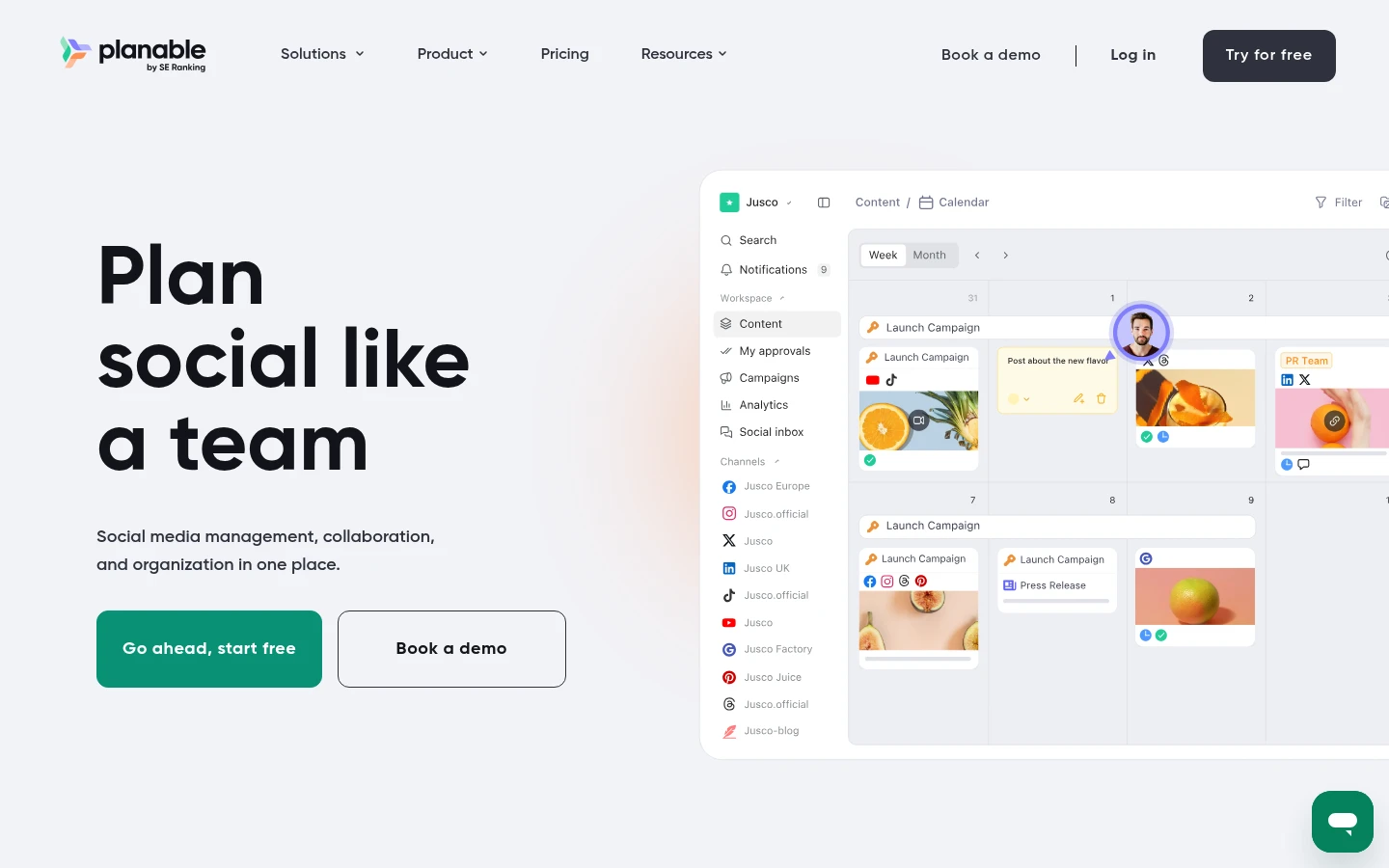
Planable describes a workflow with visual previews, comments, text suggestions and configurable approvals. It also provides controls for preventing changes after approval and assigning publishing permissions.
Planable is a candidate when engineers need to check technical claims before marketers schedule an announcement. For a Rails performance update, the developer could review the benchmark wording, the product owner confirm feature availability, and the publisher prepare the channel-specific copy.
Create a simulated review process with a real release. Determine which pricing tier includes approval functionality and confirm that imported or automatically generated content follows the same approval process as manually generated content.
2. Kontentino: getting a client’s sign-off

Kontentino’s features include post previews, requesting approval of posts, assigning tasks to other team members and recording activity logs. Team and client discussions can stay beside the content.
For a Ruby consultancy, this could give client feedback on launch announcements a clear home. The engineering ticket records what shipped; the social draft records what the client is comfortable announcing.
Try the review process with someone unfamiliar with publishing software. If they struggle to find the preview or return a correction, the next approval request will probably end up in email.
3. Hootsuite: coordinating several channels
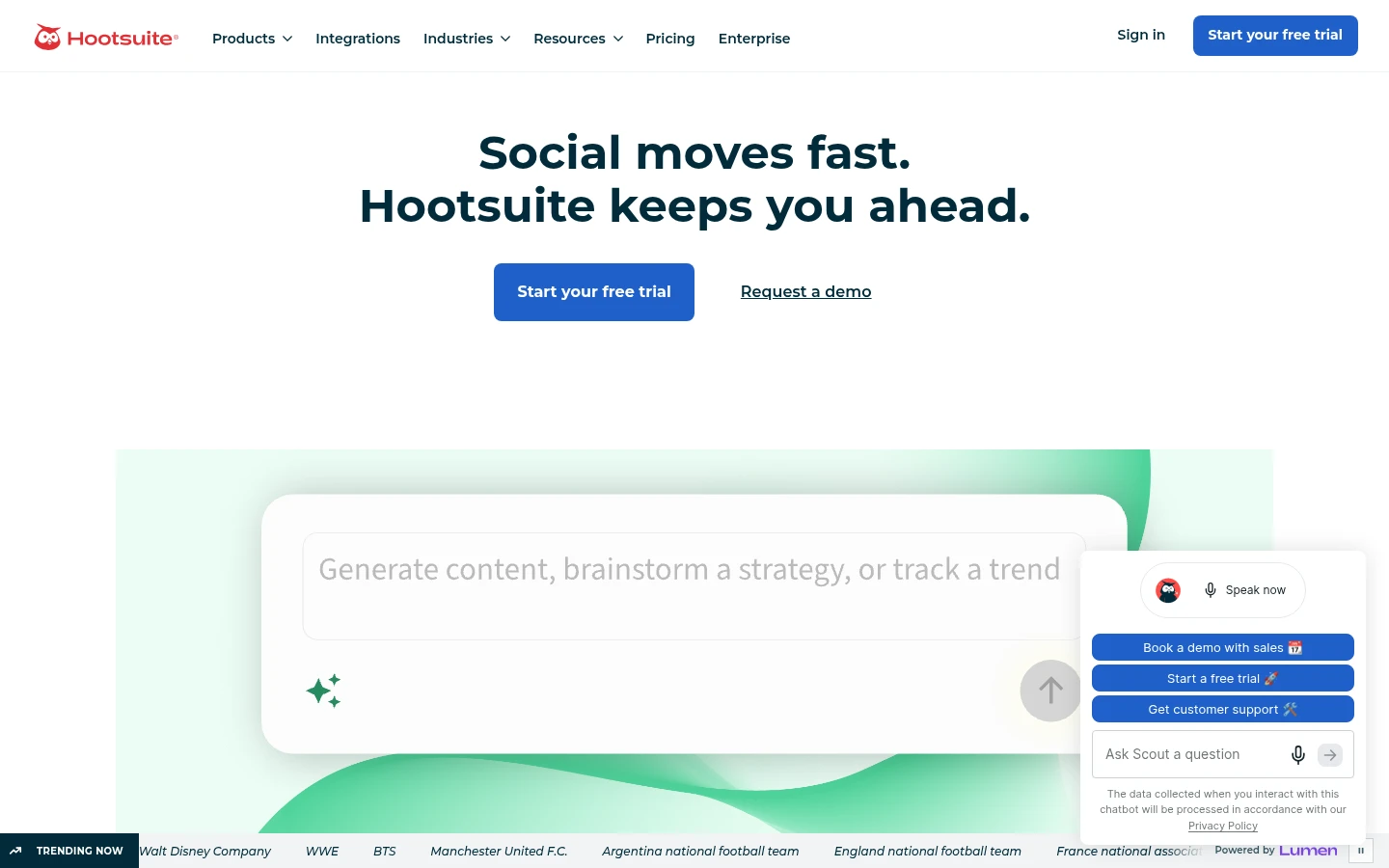
Hootsuite allows publishers to publish, engage, analyze, listen, and track metrics. Its range of features makes it worth evaluating if your software company already has several active social channels.
A Rails team might use Hootsuite to coordinate a product launch while support staff monitor replies. That is a different workload from announcing an occasional gem release.
Check support for the specific networks and post formats your users follow. Also verify approval permissions and the full cost of the proposed setup. Broad platform coverage does not establish that a particular developer community’s preferred channel is supported.
4. Sprout Social: following the conversation after launch

Sprout Social offers features such as Smart Inbox for aggregating conversations into one view, publishing tools for creating new content, conversation history for tracking past conversations, and reporting capabilities for analyzing past trends.
Consider Sprout Social when announcements produce enough questions to need assigned responders. A user asking whether an API update affects an older client library needs an accurate answer. The next support colleague needs to see that answer too.
Follow one question from arrival to resolution during the trial. Decide how a suspected bug reaches the issue tracker and who replies to the user. The inbox can organise the conversation; the engineering team still needs to investigate the defect.
5. Loomly: keeping a smaller release calendar organised
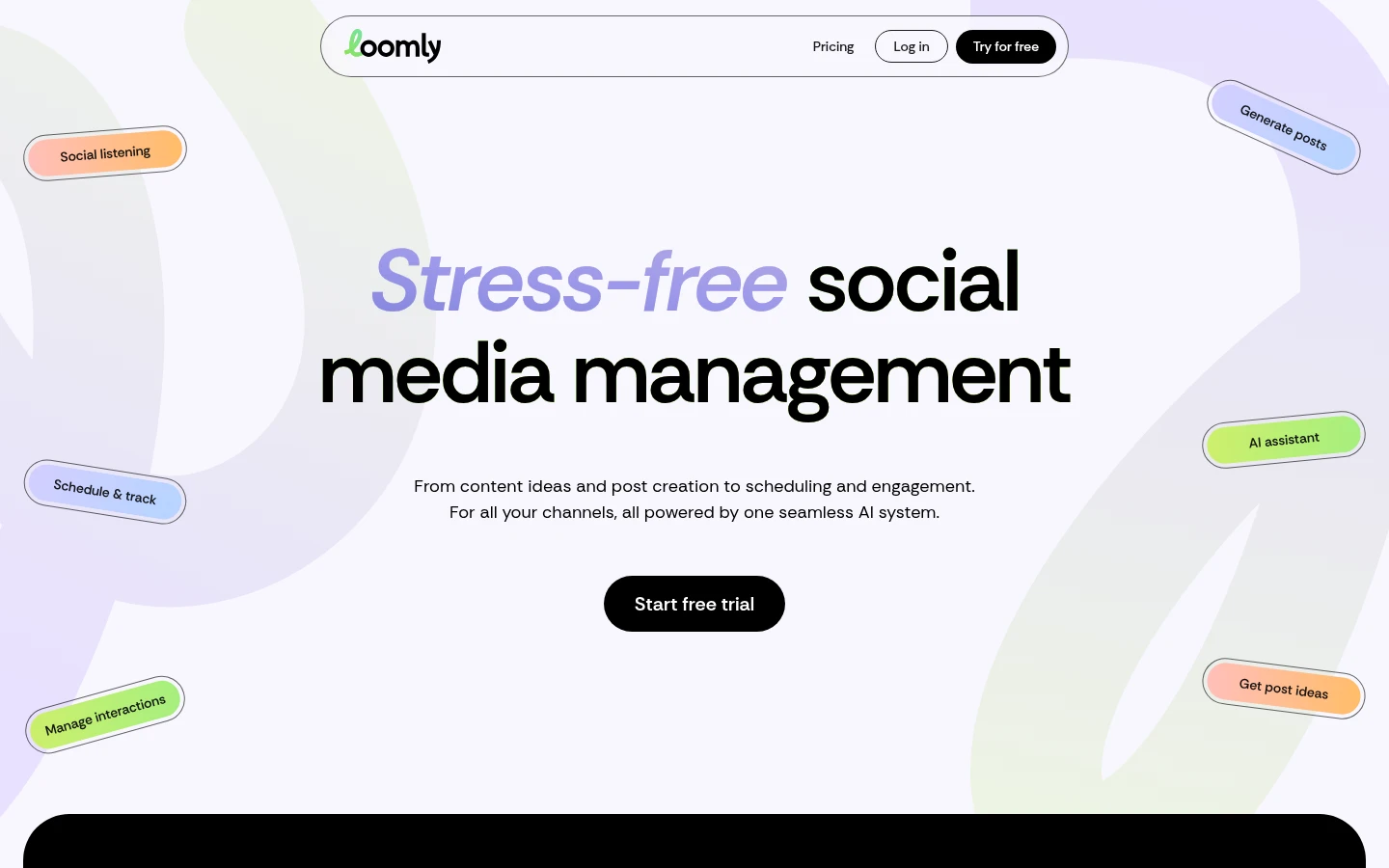
Loomly supplies content planning tools, collaboration tools for reviewing and approving content, and approval functions for controlling publication rights.
Its calendar-based approach is worth trying for a small SaaS team sharing tutorials, release notes and product updates. Create a mock week around a single Rails release event. Include an announcement post, tutorial walkthrough, and follow-up Q&A related to likely user queries. Then change the release date.
Check how easily the team can find and reschedule the affected posts. Who has permission to make those changes? This is the sort of routine disruption the tool needs to handle.
6. Agorapulse: assigning incoming questions

Agorapulse’s social inbox enables organizing and responding to incoming social interaction.
It is a candidate for Ruby product teams receiving questions through several social accounts. Tutorial link requests, billing complaints and reproducible bugs should each be directed toward different contacts.
Test assignment and moderation with those examples. Keep private customer information out of public replies. Give support staff a clear route for moving conversations into the appropriate support channel. Evaluate reporting separately from the approval process for outgoing posts.
7. Zoho Social: organising accounts by client
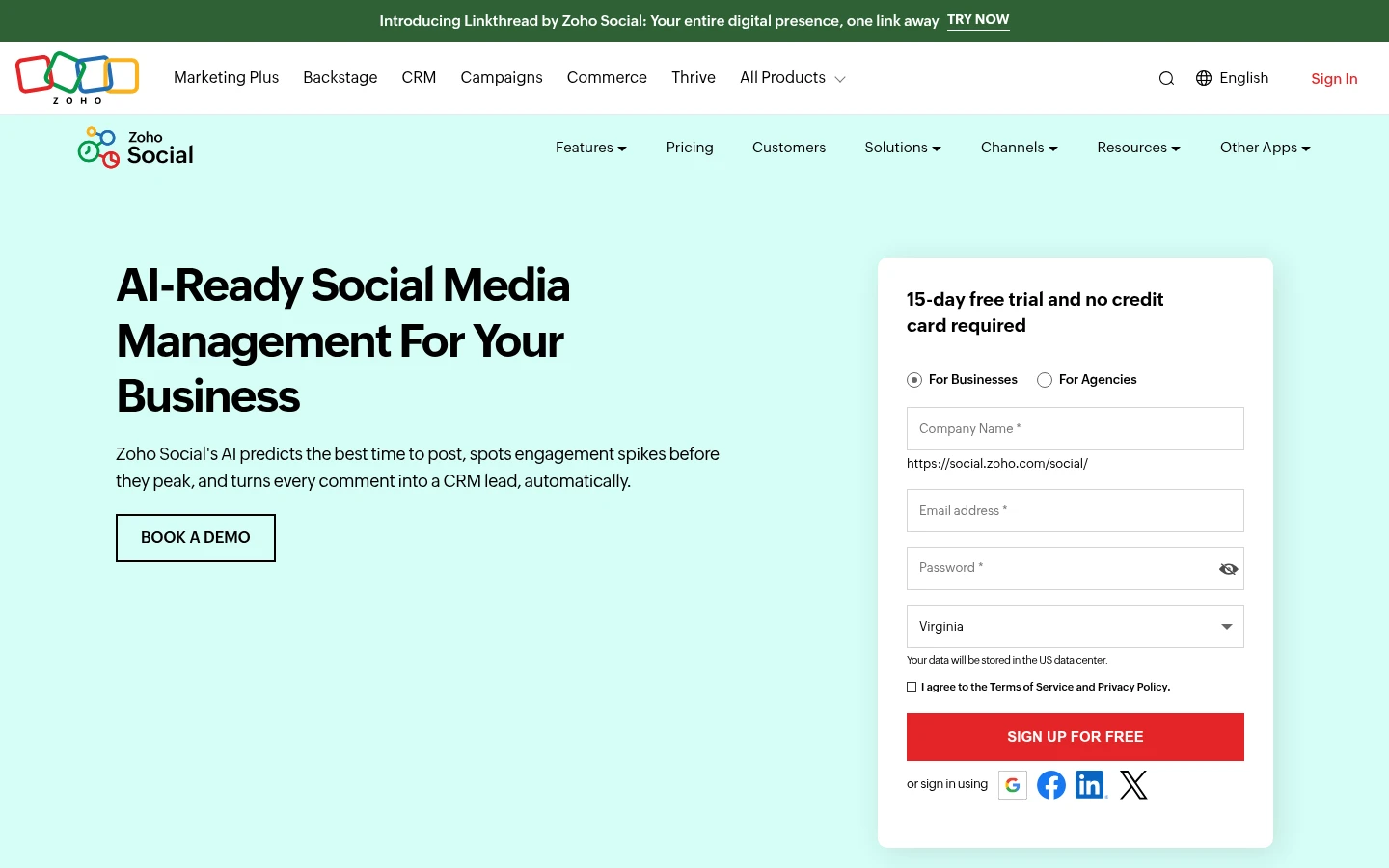
Zoho Social’s agency offerings enable managing workflow across brands using roles, permissions and approval workflows.
For a consultancy maintaining several Rails applications, do those boundaries match its client responsibilities? A reviewer for one product should see the relevant accounts and approval requests without gaining access to unrelated work.
Zoho’s approval documentation separates portal and brand responsibilities. Align these roles with actual people prior to extending invitations.
8. SocialPilot: preparing batches of documentation posts

SocialPilot’s content library enables storing posts via CSV either as draft or queued for publishing. Approval and reporting options are listed on their plans page.
CSV offers a straightforward starting point for Ruby developers. A script could prepare draft captions and links from an agreed list of tutorials without needing a custom API integration.
Use the vendor’s current template. Test a tiny batch first, including punctuation, non-ASCII text and a scheduled time. Confirm that imports enter the intended review process before uploading a month’s content.
Where Ruby belongs in the workflow
A useful first script prepares material for review. It can collect a public changelog URL, product name and proposed caption into a single draft record. Someone who understands the release still needs to read and check the result.
Here is an illustration of a simple Ruby script printing a locally generated draft JSON document:
require "json"draft = { brand: “Example App”, release: “2.4.0”, documentation_url: “https://example.com/releases/2-4-0”, caption: “Example App 2.4.0 is ready. Read the release notes.”, status: “draft” }
puts JSON.pretty_generate(draft) “`
This is simply an example internal document structure. The script does not call a vendor API, schedule a post or enforce approval. The status value is just data.
Ruby-Doc’s JSON documentation explains how Ruby objects are converted into JSON strings.
Give each draft a stable internal identifier when you store it. Record which release and client it belongs to, along with the exact caption, image and destination that were approved. If any of those change, require another review.
Connecting a Rails application without duplicate posts
For applications preparing drafts regularly, Rails provides background jobs through Active Job. A job can perform work outside the web request. Your chosen queue backend and configuration determine how jobs are stored and processed.
Before writing the adapter, check whether the publishing service offers a documented API, supported automation connection or suitable import format. Do not invent an endpoint from a dashboard URL.
Next, consider a failed response. The service might accept your draft even though confirmation never reaches the Rails app. Repeating the submission could create a second copy. Use a vendor-supported idempotency key where available. Otherwise, investigate the uncertain result before repeating the write.
Keep credentials on the server, restrict access by client and avoid logging tokens. Store the remote draft identifier when you receive it. Your application should be able to distinguish a draft awaiting review from a failed transfer.
Ruby-Doc’s guide to business process automation using Ruby explores how to turn a script into an accountable workflow.
Questions to settle before choosing
Do we need a native Ruby integration?
Only if the work requires it. A reviewed CSV export may be enough for a weekly tutorial schedule. Check the service’s documented access options before budgeting for a custom connection.
Should every deployment trigger a social post?
Decide which releases deserve public attention. A deployment can create a draft for consideration, but an internal fix or partially rolled-out feature may not be ready for an announcement.
Which tool should we trial first?
Choose the section closest to your current problem: reviewing claims, obtaining client approval, coordinating channels or handling replies. Run one real release through that workflow with the people who will use it. Their ability to complete the review is a more useful buying signal than the length of the feature list.