
Turning a simple image into a polished 3D model used to mean hours of manual work, or hiring a skilled 3D artist just to bring one 2D image to life.
AI has changed all that, letting anyone turn a photo or sketch into a production-ready 3D model in minutes, using a simple upload-generate-export step sequence. With all the features, toolkit, and file formats available, product design and visualization workflows have never been easier.
And while you are stuck choosing your favorite option because the selection is huge, we have brought a list of 4 best AI tools to convert 2D images into 3D models for product visualization. Below you can find a general overview of each tool, how 2D-to-3D generation works, along with pricing details.
| Tools | Best for | Export formats | Key features | Trustpilot Rating |
| Meshy AI | Teams and individual creators needing an all-in-one pipeline and product prototyping | FBX, OBJ, GLB, USDZ, STL, BLEND, 3MF | 3D AgentText-to-3DImage-to-3DAI TexturingAI Image generationAnimationAPI integration | 4.7/5 ⭐ |
| Tripo AI | Creators moving from early sketches/concepts to polished, production-ready models | STL, OBJ, FBX | Image-to-3DText to 3D ModelAI TexturingAI Model SegmentationSmart MeshHigh Detail ModelAuto RiggingModel Stylization | 4.7/5 ⭐ |
| Hi3D | Product visualization and printable assets | GLB, OBJ, STL | Image-to-3DMulti-view to 3DReliefSegmentation | 3.9/5 ⭐ |
| Rodin AI | E-commerce and interactive use cases for product configurators, marketplace listings, and rich visualization | GLB, OBJ, FBX, USDZ, STL | Image-to-3DText to 3DAI Video GeneratorAI Image GeneratorOmniCraft | 3.5/5 ⭐ |
4 Best AI 2D-to-3D Converters: Ranked and Reviewed
- Meshy AI
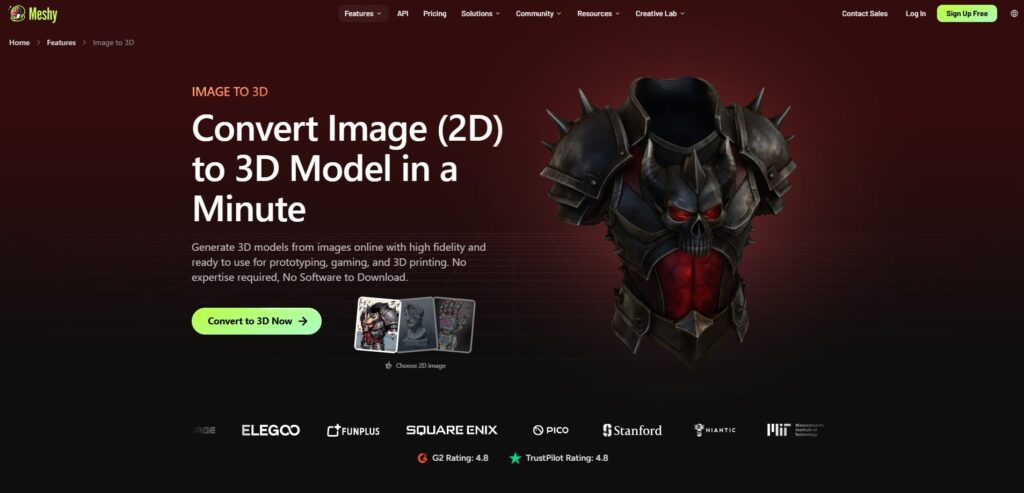
One of Meshy AI’s key features is the image-to-3D model generation, transforming 2D images to 3D models, suitable not only for product visualization and prototyping, but also for gaming and 3D printing use cases.
The advanced generative AI technology streamlines product design and prototyping by handling everything from mesh generation, texture application, and model detailing, allowing you to have a complete product vision at a glance.
How it works: The whole generation process includes a 3-step simple workflow, where you:
Step 1: Upload your 2D images in PNG, JPG, or WebP (with both single and multiple image upload options)
Step 2: Generate the model and refine the topology, materials and any other detail you want right inside the tool with no need to re-generate anything.
Step 3: Export it in various visualization-compatible formats such as FBX, OBJ, GLB, USDZ, STL, BLEND, or 3MF to easily integrate the model in your simulation tools. Every generated model comes with production-ready PBR textures.
Meshy AI’s other key features:
- 3D Agent
- Text-to-3D
- AI Texturing
- AI Image generation
- Animation
- API integration
Pricing: You can start using Meshy AI for free with 300 monthly credits. Meshy AI also offers paid plans with advanced features, separate for individual creators and teams. For users in the first category, the pricing starts at $20/ month (1000 monthly credits), while for teams the pricing starts at $70/ month (5500 monthly credits.)
Trustpilot Rating: 4.7/5 ⭐
- Tripo AI
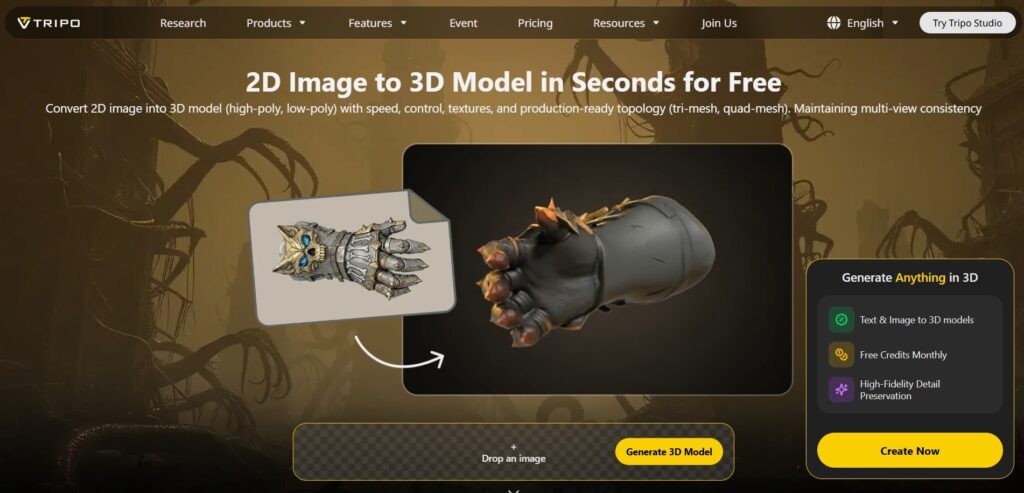
Tripo AI allows you to transform early sketches or reference images into realistic, production-ready 3D concepts, perfect for review, iteration, or full-detail visualization.
The main feature to do this is its image-to-3D feature, which converts 2D images to 3D models with textures and production-ready topology.
How it works: The process is simple, requiring only 4 steps to complete: upload, generate, enhance and download. The best part throughout this process is that the platform allows you to refine your generated model with textures, rigging, or part separation depending on your workflow.
The final output can be exported in file formats like STL, OBJ, or FBX, which are especially suitable for product prototyping and visualization workflows.
Tripo AI’s other key features:
- Text to 3D Model
- AI Texturing
- AI Model Segmentation
- Smart Mesh
- High Detail Model
- Auto Rigging
- Model Stylization
Pricing: Tripo AI offers a free tier with 200 monthly credits. It also has paid plans with more credits and capabilities, starting at $19.9/ month.
Trustpilot Rating: 4.7/5 ⭐
- Hi3D
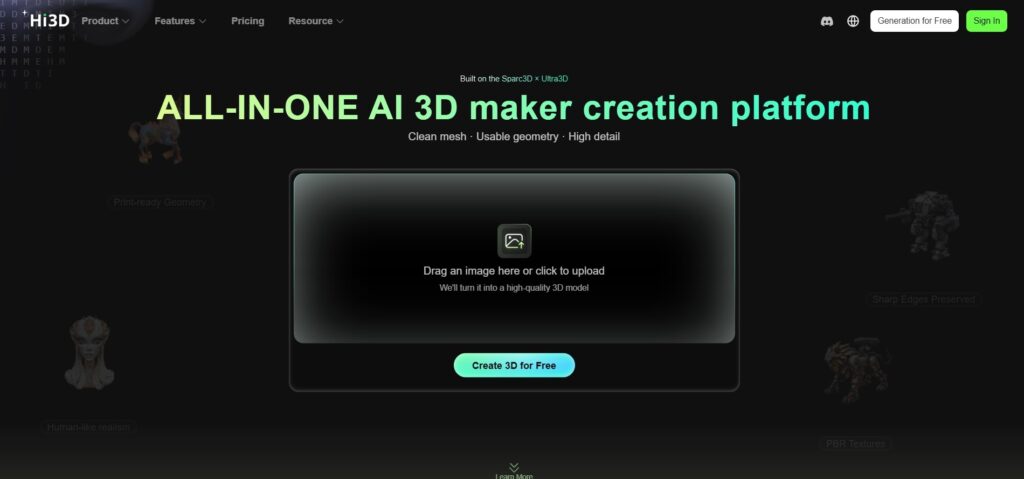
Through its Image to 3D tool, built on Sparc3D AI model, Hi3D allows you to transform product images or reference photos into realistic 3D assets, perfect for full-detail product visualization.
How it works: The process centers on a simple upload-to-generate flow, where you drop an image reference and Hi3D turns it into a 3D model. From there, you can refine your generation with AI texturing (applying 4K, PBR-ready textures in one click), 3D relief generation (for layered depth effects), or auto character split (which segments a character model into printable parts).
And finally, you can export the final model in GLB, OBJ or STL, making it suitable for product prototyping and visualization.
Hi3D’s other key features:
- Multi-view to 3D
- Relief
- Segmentation
Pricing: Hi3D offers 100 trial credits to test the platform for free, while its paid plans start at $19.90/ month for 1000 monthly credits.
Trustpilot Rating: 3.9/5 ⭐
- Rodin AI (Hyper3D)
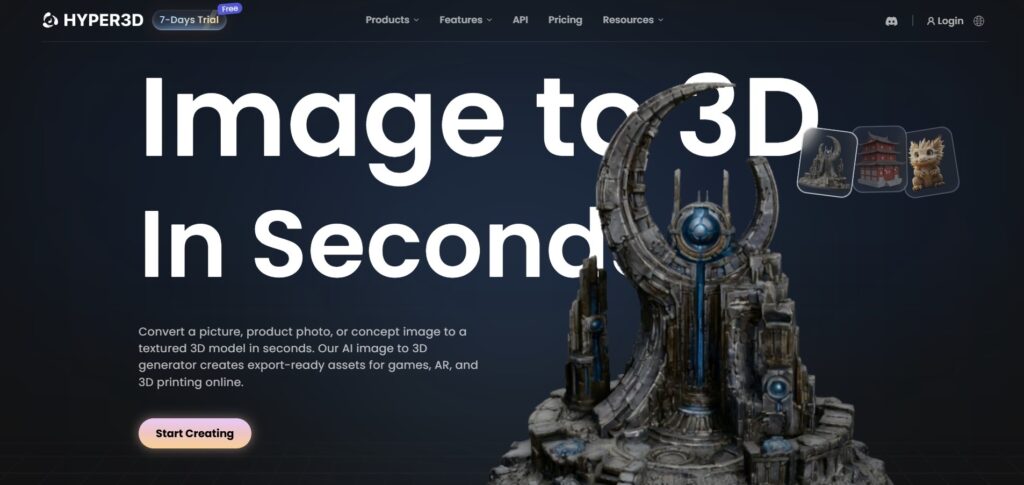
Rodin AI’s image-to-3D generator helps turn product images into fully interactive 3D models, which are perfect for product views, configurators, marketplace listings, and rich visualization experiences.
How it works: To benefit from Rodin AI’s image-to-3D features, you need to complete 3 simple steps:
Step 1: Upload your reference image or images (for example, product photo or 2D cartoons)
Step 2: Let the platform analyze the depth, structure and surface details and generate 3D models with applied textures
Step 3: Before exporting, you can preview and refine your model right inside the browser. Once you are done, export the file in GLB, OBJ (read more), FBX, USDZ, or STL, depending on your use case.
The whole process is guided by AI technology for effective image understanding, 3D reconstruction and AI texturing.
Rodin AI’s other key features:
- Text to 3D
- AI Video Generator
- AI Image Generator
- OmniCraft
Pricing: Rodin AI offers a pay-as-you-go pricing model, starting at $1.5/ credit.
Trustpilot Rating: 3.5/5 ⭐
Which One Should You Choose?
As we are done reviewing the best AI tools to convert 2D images into 3D models for product visualization, here is a quick recap of their standout features:
Meshy AI earns its place as the most comprehensive option, thanks to its broad format compatibility and toolkit that stretches well beyond modeling into animation and generation.
Tripo AI shines best when creative flexibility matters most, giving users enough space to shape, rig, and refine a model until it matches their vision.
Hi3D stands out with its depth mapping and character splitting capabilities.
And finally, Rodin AI fits best for configurators and marketplace listings, letting you preview everything right there in the browser before you commit to an export.
While you are testing and choosing your go-to solution, remember that the right pick depends on your desired model, its requirements and product visualization needs.
FAQs
- What is the best AI tool for converting product photos into 3D models?
There isn’t a single “best” tool, as it depends on your specific 3D model needs and requirements. However, Meshy AI, Tripo AI, Rodin AI, and Hi3D are often cited as the most common and popular tools by real users.
- How many reference photos does AI need to produce a reliable 3D model?
Most of the tools, such as Meshy AI, allow you to upload multiple reference images (up to 10 images) at once to convert them into a 3D model
- Do AI 3D models need a human artist to review or fix them before publishing?
Most of the tools are working on advanced AI-powered technology, producing clean and textured models with little or no need for manual refinements by humans. However, to make sure that there are no errors in the final production, you can consider involving human specialists for final quality checks, or review the models yourself.